Evaluating the Super Editable Text Effect Vector for Design Workflows
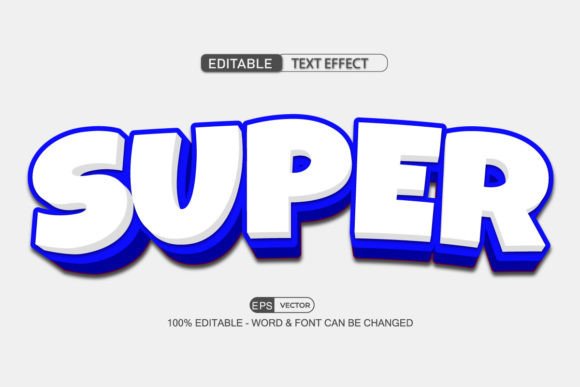
In the realm of graphic design, efficiency and flexibility are often the deciding factors between a project that flows smoothly and one that becomes bogged down in technical adjustments. The Super Editable Text Effect Vector represents a specific category of digital assets designed to bridge the gap between high-quality visual styling and practical usability. Specifically, collections such as the "Super Editable Text Effect Vector 3d Style -100 Editable" offer designers a library of pre-styled typography that can be manipulated directly within Adobe Illustrator. Understanding the utility, limitations, and ideal applications of these vector packs is essential for professionals looking to optimize their production timelines without sacrificing creative control.
Understanding the Asset Structure
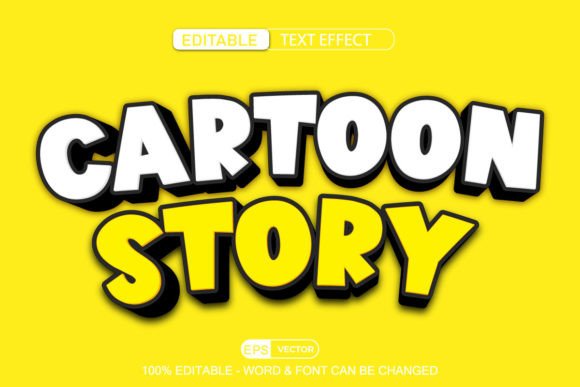
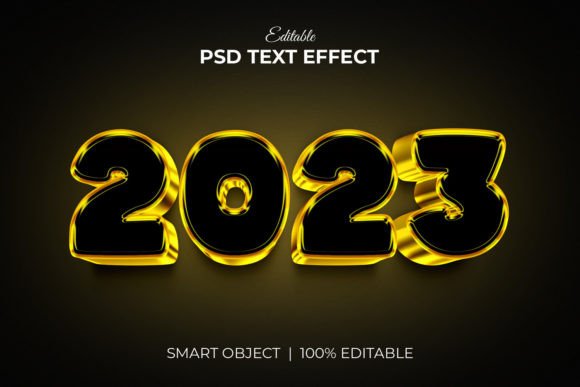
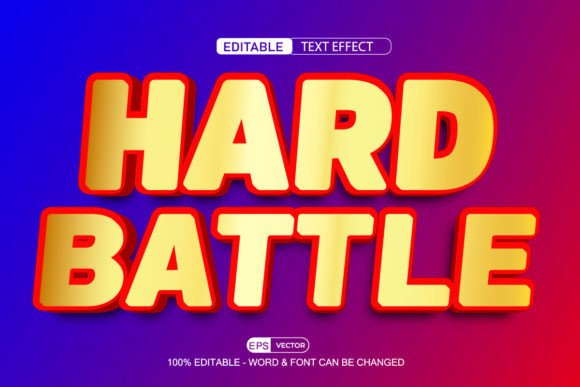
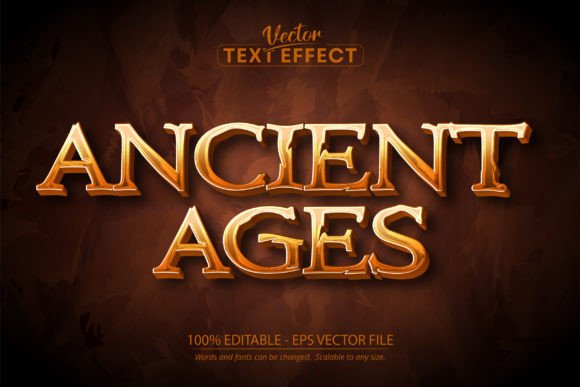
At its core, a Super Editable Text Effect Vector is not merely a static image or a flattened raster graphic. It is a complex arrangement of vector paths, gradients, meshes, and appearance attributes built within Adobe Illustrator. The defining characteristic of these assets, particularly in the "3d Style" variations, is their reliance on non-destructive editing features. When a user purchases or downloads a pack labeled as "100 Editable," they are acquiring a file structure where the text layer remains live. This means the underlying geometry of the letters has not been expanded into shapes; instead, the stylistic effects—such as extrusion, lighting, shadows, and texture—are applied via the Appearance panel or graphic styles.
The promise that "words, fonts, and size can be changed easily" is technically achieved by isolating the text object from the complex styling stack. In a well-constructed vector file, a designer can click on the placeholder text, type a new word, switch the font family, or adjust the kerning, and the 3D effect will automatically re-wrap around the new character shapes. This functionality eliminates the need to manually recreate lighting angles or gradient maps for every single variation of a headline, a task that would otherwise consume hours of manual labor.
Primary Benefits for Design Professionals
The most significant advantage of utilizing a Super Editable Text Effect Vector is the drastic reduction in turnaround time. For agencies or freelancers managing high-volume output, such as social media graphics, YouTube thumbnails, or advertising banners, speed is critical. Instead of building a 3D text effect from scratch using extrusion tools and manual shading, a designer can import the vector, swap the text, and export the final asset in minutes. This efficiency allows creative teams to focus more on composition and messaging rather than repetitive technical execution.
Furthermore, because these assets are vector-based, they offer infinite scalability. Unlike rasterized 3D renders which lose quality when enlarged, a vector text effect maintains crisp edges at any resolution. This makes them highly suitable for projects requiring multi-format delivery, such as a logo that must appear on a business card and a billboard simultaneously. The ability to edit the font and size ensures that the design can be adapted to various aspect ratios and layout constraints without needing to regenerate the entire effect.
Tradeoffs and Technical Considerations
While the convenience is evident, there are tradeoffs to consider when integrating these packs into a workflow. The primary consideration is software dependency. These files are optimized specifically for Adobe Illustrator. Users relying on alternative vector software like CorelDRAW, Affinity Designer, or open-source tools like Inkscape may find that the complex appearance stacks do not translate perfectly. Effects might flatten, layers could merge unexpectedly, or the "click and edit" functionality may break entirely. Therefore, access to a current version of Adobe Illustrator is essentially a prerequisite for leveraging these assets effectively.
Another factor is the potential for file heaviness. A collection containing 100 editable 3D styles involves significant data, including complex gradient meshes and multiple opacity masks. Opening these files on older hardware or systems with limited RAM can result in slower performance. Additionally, while the text is editable, the stylistic parameters are sometimes locked or grouped in ways that require a deeper understanding of the Illustrator interface to modify. If a client requests a specific change to the light source direction or the material texture, a novice user might struggle to locate those controls within the Appearance panel, whereas an experienced vector artist would navigate them effortlessly.
Ideal Use Cases
There are specific scenarios where a Super Editable Text Effect Vector is a strong fit. They are particularly valuable for template-based design work. For instance, a content creator who needs to produce daily video titles with a consistent 3D aesthetic can use these vectors as a master template. Similarly, marketing teams creating A/B testing variations for ad copy benefit immensely; they can rapidly generate fifty different headlines with identical professional styling to test which message resonates best with the audience.
These assets also serve as excellent learning tools for junior designers. By deconstructing the layers and appearance settings of a high-quality 3D text effect, less experienced users can learn how professional lighting, shading, and depth are constructed in a vector environment. This educational aspect adds value beyond the immediate utility of the graphics themselves.
When to Consider Alternatives
Despite their versatility, these vector packs are not the solution for every project. If a design requires photorealistic rendering, complex environmental reflections, or dynamic physics-based lighting, dedicated 3D modeling software like Blender, Cinema 4D, or Adobe Dimension may be superior. Vector 3D effects, while impressive, rely on simulated depth through gradients and shapes rather than true geometric calculation. Consequently, they may lack the nuanced realism required for high-end product visualization or cinematic title sequences.
Moreover, if a project demands a completely unique, bespoke typographic treatment that deviates significantly from standard 3D extrusions, building an effect from scratch might yield better results. Pre-made packs, by definition, offer a finite set of styles. While "100 Editable" sounds extensive, a brand seeking a truly distinct visual identity might find that none of the preset styles align perfectly with their guidelines, necessitating custom creation anyway.
Making the Decision
Deciding whether to incorporate a Super Editable Text Effect Vector into your toolkit ultimately depends on your specific workflow requirements and technical proficiency. If your priority is speed, consistency, and the ability to iterate quickly on text-heavy designs within the Adobe ecosystem, these assets provide a compelling return on investment. They streamline the production process and ensure professional-grade aesthetics with minimal effort.
However, if your work frequently pushes the boundaries of realism, requires cross-platform compatibility outside of Illustrator, or demands total control over every polygon and light ray, you may find the constraints of pre-packaged vector styles limiting. Evaluating your typical project scope, hardware capabilities, and software environment will help determine if this resource aligns with your goals. For many designers, these vectors serve as a powerful middle ground—offering more flexibility than static images and more speed than custom 3D modeling—making them a pragmatic addition to a modern design library.